
Last updated on July 31st, 2026 at 12:46 pm
Running a WooCommerce store in 2026 means dealing with far more than sales pages and checkout flows.

This post is a guest submission. Please see our Affiliate Disclosure & Notification for details.
This post may contain affiliate links. We may earn a commission if you purchase an item through our links. It costs you nothing and helps us to fund this blog. Please see our Affiliate Disclosure & Notification for details.
Top Best Import Export Plugins for WooCommerce
Running a WooCommerce store in 2026 means dealing with far more than sales pages and checkout flows. Product catalogs grow, orders pile up, customer lists need cleaning, and every so often a full store migration lands on your desk. Doing any of that by hand, row by row, is where mistakes creep in and hours disappear.
A dedicated import export plugin fixes that. Instead of manually re-entering product details or copying order data into spreadsheets, you point the plugin at your file, map the fields once, and let it do the repetitive part. Errors drop, bulk edits take minutes instead of days, and your store data stays consistent as the catalog scales.
Below is a rounded-up list of the import export tools worth using on a WooCommerce store this year. Some are broad, all-in-one suites; others are built for one job, like exporting orders or migrating customer records, and do it well.
What to Look for Before you Pick One
Not every plugin fits every store, so a quick filter helps before you install anything.
➔ File format support. CSV covers most needs, but XML, TSV, and Excel matter if you’re syncing with an ERP, marketplace, or agency workflow.
➔ Data coverage. Some plugins only touch products. Others handle orders, customers, coupons, reviews, and subscriptions too, which matters if you’re consolidating tools.
➔ Field mapping and templates. Look for saved mapping templates so repeat imports don’t mean rebuilding the setup from scratch each time.
➔ Automation and scheduling. Recurring imports via FTP or SFTP save real time if you’re syncing with a supplier feed or third-party system regularly.
➔ Logs and error handling. When an import fails halfway through a 10,000-row file, a clear log is the difference between a five-minute fix and an afternoon of guesswork.
The Best WooCommerce Import Export Plugins for 2026
1. WebToffee Import Export Suite for WooCommerce
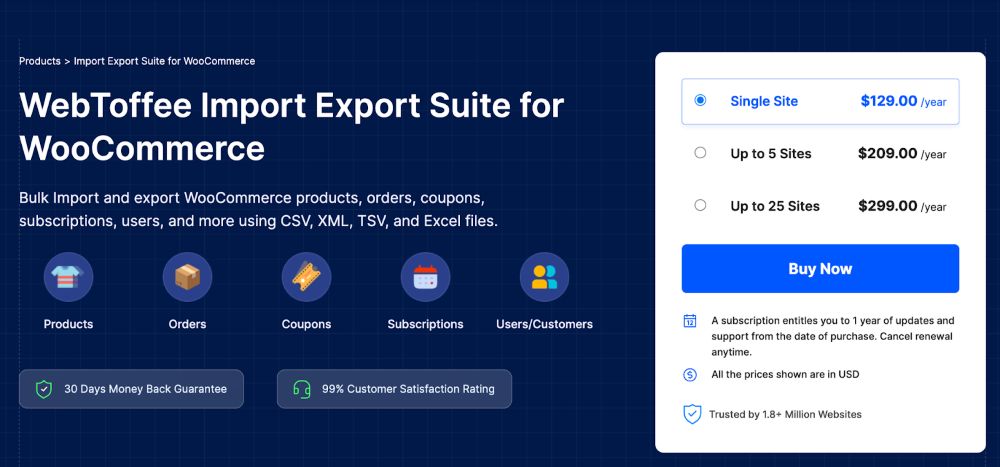
The Import Export Suite for WooCommerce is built as a single tool for the full range of store data: products, orders, customers, coupons, reviews, and subscriptions. That breadth makes it a solid pick when you’d rather manage one plugin than stitch together three or four narrower ones.
It reads and writes CSV, XML, TSV, and Excel files, and gives you both a quick setup for routine jobs and an advanced mode for filtered, field-mapped exports. Saved templates mean a mapping you build once for a supplier feed or a migration doesn’t need to be rebuilt on the next run.
Scheduled automation, detailed job logs, and a straightforward interface round it out. For a growing store that needs accuracy at scale without a steep learning curve, this import export suite for WooCommerce covers most of what you’d otherwise need several separate plugins to do, which is exactly why it tends to top lists like this one.
2. WP All Import
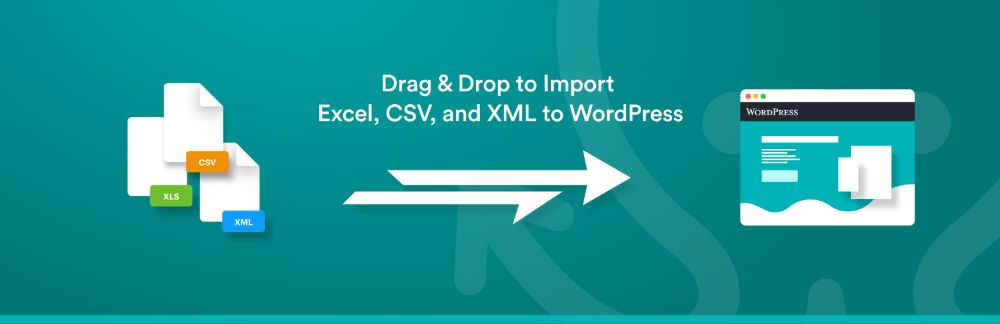
WP All Import takes a different approach: instead of a fixed template, it lets you import almost any CSV, XML, Excel, or even Google Sheets file, no matter how it’s structured. A drag and drop interface maps your columns to WooCommerce (or any WordPress) fields, so oddly formatted supplier files aren’t a dealbreaker.
Its reach goes past products. Posts, custom fields, users, taxonomies, pretty much any content type can come through it, which makes it a favorite with developers and agencies handling varied client sites.
The free version handles basic jobs fine. The paid add-ons unlock recurring imports, pulling files from external URLs, and priority support, useful once your import needs become a regular part of store operations rather than a one-off task.
3. WP Ultimate CSV Importer

WP Ultimate CSV Importer is built primarily for getting data in, covering WooCommerce products, orders, users, custom post types, and taxonomies through CSV, XML, or Excel files. Drag and drop field mapping keeps large, messy datasets manageable.
Exporting isn’t part of the core plugin. You’ll need the companion WP Ultimate Exporter add-on to send data back out, which together cover product images, custom fields, and SEO metadata across both directions.
It suits developers and agencies who deal with bulk WordPress and WooCommerce imports often and don’t mind adding an extra piece for the export half of the workflow.
4. Product Import Export for WooCommerce
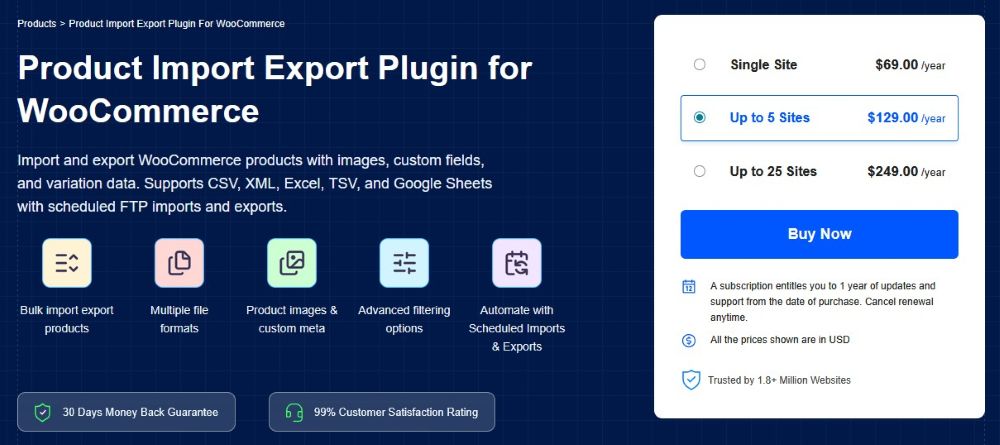
Where the import export suite covers the whole store, the WooCommerce Import Products plugin focuses entirely on product data, and goes deep. It handles CSV, XML, Excel, and TSV files, and supports every product type: simple, variable, grouped, downloadable, external/affiliate, subscription, and composite.
Filtering by category, stock status, tags, or price means you’re not stuck exporting the entire catalog when you only need a slice of it. Bulk editing during import lets you update prices, stock counts, and categories in the same pass, which saves a second round of manual edits afterward.
This product import plugin also pulls product images and metadata, handles review import and export, and supports scheduled FTP transfers. A ChatGPT API integration for generating product descriptions is a newer addition that’s worth trying if you’re populating a large catalog from scratch.
WP Import Export Lite

If you want something simple that doesn’t ask you to learn much before your first import, WP Import Export Lite is worth a look. It’s free, covers CSV, XML, and Excel, and moves products, orders, and customer data with a clean interface that doesn’t overwhelm first-time users.
Field mapping and filtering are included but kept simple, enough to get data into the right WooCommerce fields without a dense settings screen. It won’t out-muscle the advanced suites on this list, but for a small catalog or a straightforward customer list transfer, it does the job cleanly.
Think of it as a starting point. Plenty of stores use it early on, then move to a more advanced plugin once their data needs grow past what a lite tool can comfortably handle.
6. WordPress Users & WooCommerce Customers Import-Export

Customer and user data has its own quirks, billing details, shipping addresses, order history, which is where the Import Export WordPress Users plugin specializes. It moves WordPress users and WooCommerce customer records via CSV, XML, Excel, or TSV.
With this User import export plugin, field mapping keeps names, emails, and custom metadata landing in the right place, and filtering plus scheduled exports let you pull only the customer segment you need, on a schedule you set.
For CRM syncs, store migrations, or cleaning up a customer database, this is a narrower tool than the full suites above, but that focus is the point if user data is your main concern.
7. Import WP

Import WP handles XML and CSV files from uploads, remote URLs, or FTP sources, and covers posts, pages, categories, tags, users, and attachments through visual field mapping.
Export is included too, producing CSV, XML, or JSON files for backups or reporting. Add-ons extend it to full WooCommerce product support, including images, categories, stock, and variations, plus custom post types and taxonomies.
It’s a reasonable pick if your migration involves a mix of WordPress content and WooCommerce products rather than products alone.
8. Order Import Export Plugin for WooCommerce
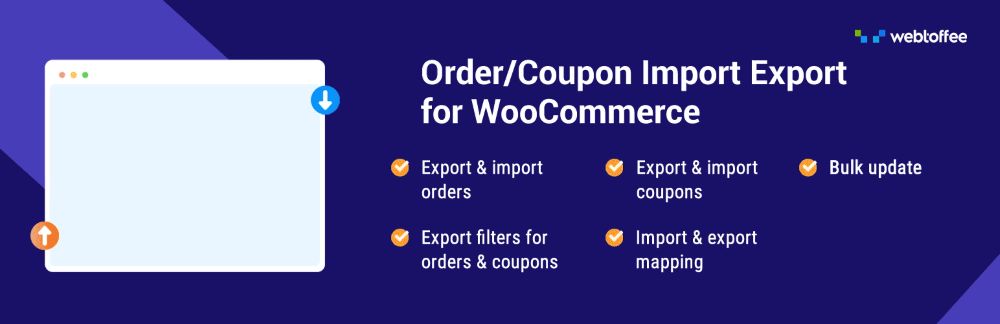
Orders, coupons, and subscriptions get their own dedicated tool in WooCommerce Import Orders, which supports CSV, XML, TSV, and Excel formats for bulk transfers.
Quick methods handle simple jobs, while advanced filters and field mapping cover more specific data pulls. Bulk updates during import, custom order metadata, and FTP/SFTP scheduling round out the feature set, and job logs make troubleshooting a failed batch straightforward.
For stores migrating order history or syncing order data with an external system regularly, this order import export plugin is a more targeted option than a full store suite.
9. WP Ultimate Exporter

WP Ultimate Exporter is the export counterpart worth knowing about on its own. It pulls WooCommerce products, orders, customers, refunds, users, posts, pages, and custom post types into CSV, Excel, XML, or JSON.
Filters and field selection keep large exports fast and manageable, which matters if you’re pulling data for reporting or analysis rather than a straight migration. JSON support is a nice extra if the data’s headed to a script or another system rather than a spreadsheet.
Final Thoughts
There’s no single “best” plugin here, only the one that matches what your store actually needs to move. A small shop in the eCommerce niche doing occasional product updates doesn’t need the same tool as an agency migrating a dozen client stores a month.
Start by identifying what data you handle most often: products, orders, or customers, and whether you need scheduled automation or just a one-time export. From there, the shortlist above narrows quickly. Most of these plugins offer a free tier, so testing one against your actual catalog before committing to a paid upgrade is a reasonable first step.
As your store scales through 2026, the plugin you pick now should still hold up as your product count and order volume grow. Pair it with a solid backup routine, and data management stops being the thing that slows your store down.

I'm a lover of all things technology. My favorite topics to write about are web design, SEO, and business marketing.
Subscribe to Our Mailing List
If you found the information in this post helpful, we'd love to have you join our mailing list. We promise we won't spam you, we only send out emails once a month or less.